SAASWIND (Short-form Promo)
After Effects Project File Breakdown
Project Overview
Client: SaasWind Web
Duration: 15 seconds
Project Type: Short-form SaaS explainer / promo
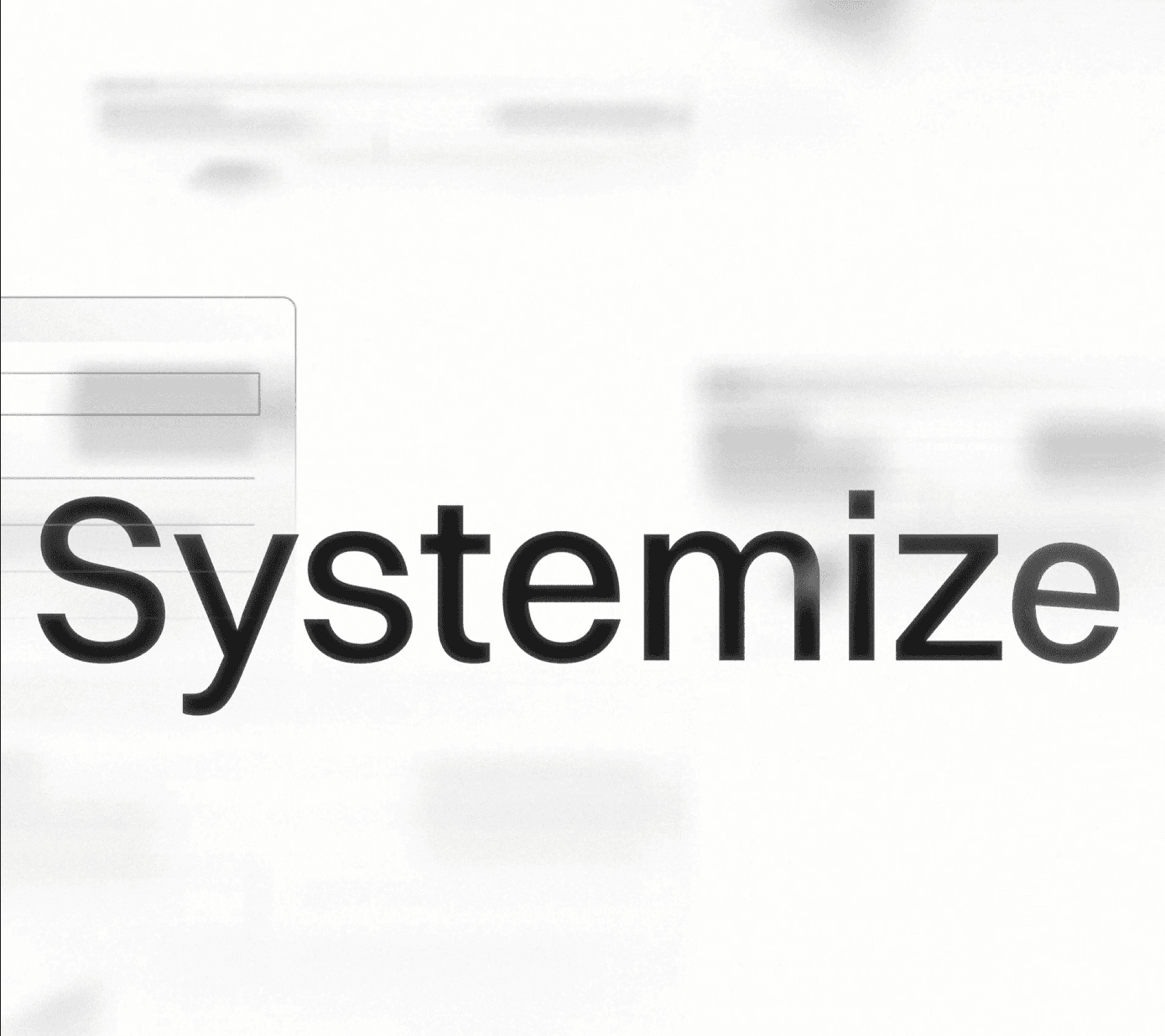
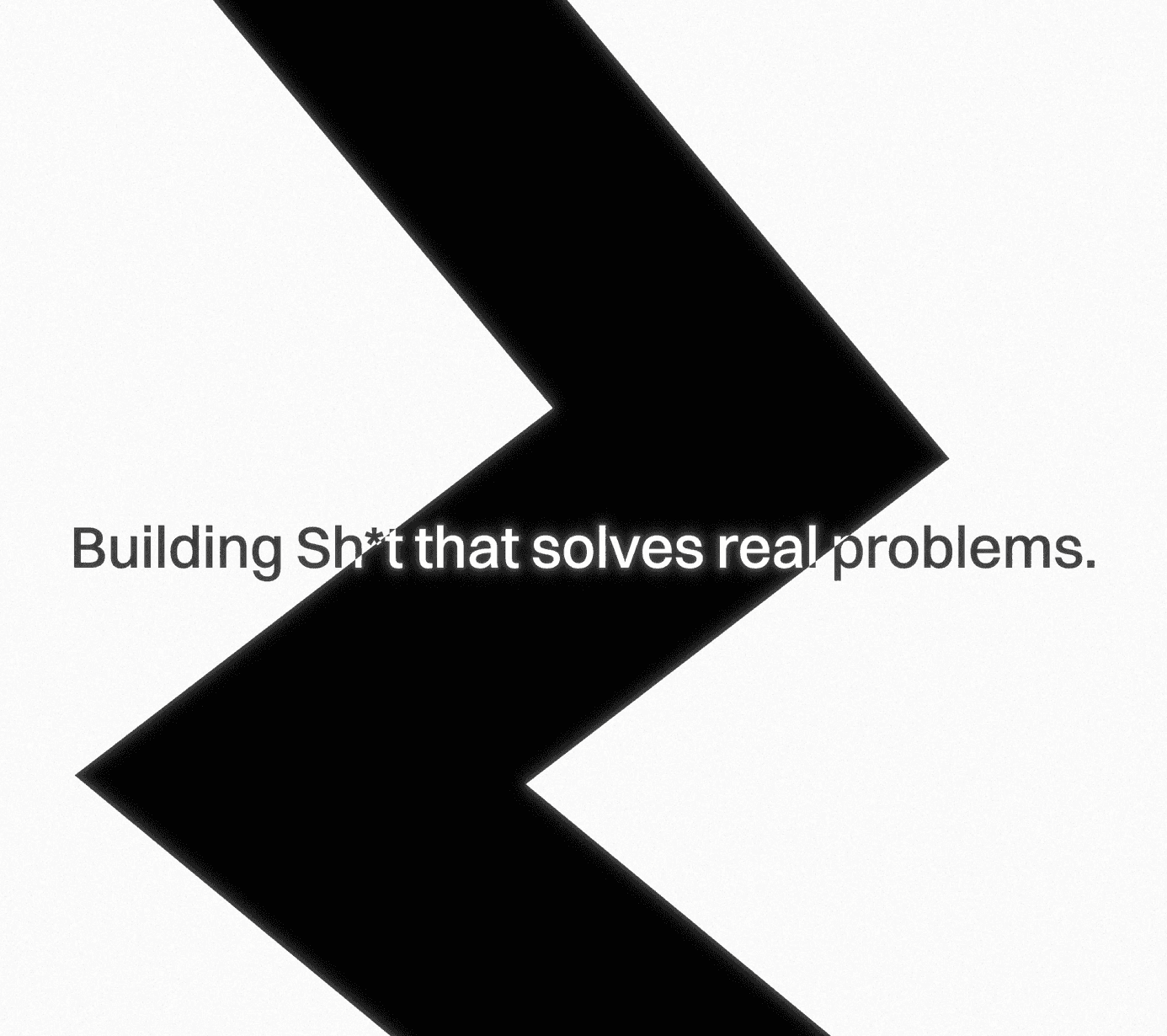
This project is a compact SaaS explainer designed to communicate value quickly through text-led motion rather than scene-based storytelling. The animation relies on kinetic typography, minimal UI references, and premium visual treatments (glow, glass-style icons) to convey a modern, high-end SaaS feel within a very short runtime.
The primary goal is message clarity under time constraint—each line of text functions as a headline rather than supporting copy.
Creative & Motion Intent
The creative direction centers on text-first storytelling.
Key decisions:
Text carries the narrative, with motion reinforcing emphasis rather than replacing visuals.
Background shapes and UI fragments exist only to support depth and atmosphere.
Glow and glass elements are used sparingly to elevate the look without distracting from readability.
Motion is linear and controlled—no jitter, no aggressive easing—so the message stays clear at high playback speed.
This approach fits short SaaS promos where viewers may only watch once and need to grasp the message immediately.
Animation Structure
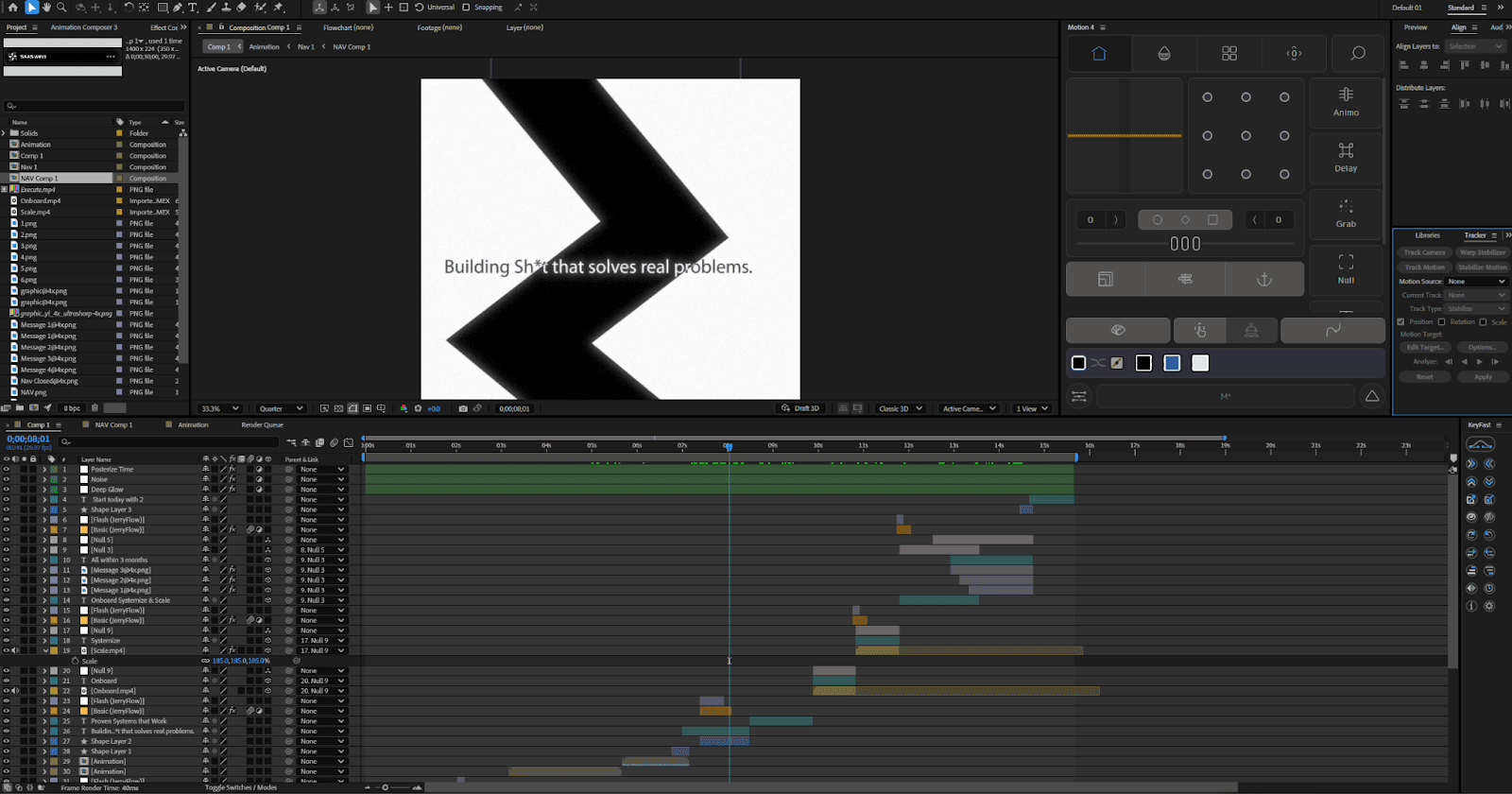
The project uses a very lean comp structure to match its simplicity.
Structure overview:
A single main animation comp handles the full narrative flow.
Supporting navigation and UI elements are separated into small helper comps (e.g., Nav 1, NAV Comp 1).
Text blocks are sequenced in a clear rhythm: enter → emphasize → exit.
Text timing is the backbone of the animation:
Primary message enters cleanly.
Glow or directional blur is briefly introduced to draw attention.
Background motion continues subtly underneath.
Text exists before the next message enters, avoiding overlap.
This sequencing prevents visual clutter and keeps the pacing sharp across 15 seconds.
Tools, Effects & Assets
Primary Tool: After Effects (Classic 3D)
Effects are minimal and purposeful:
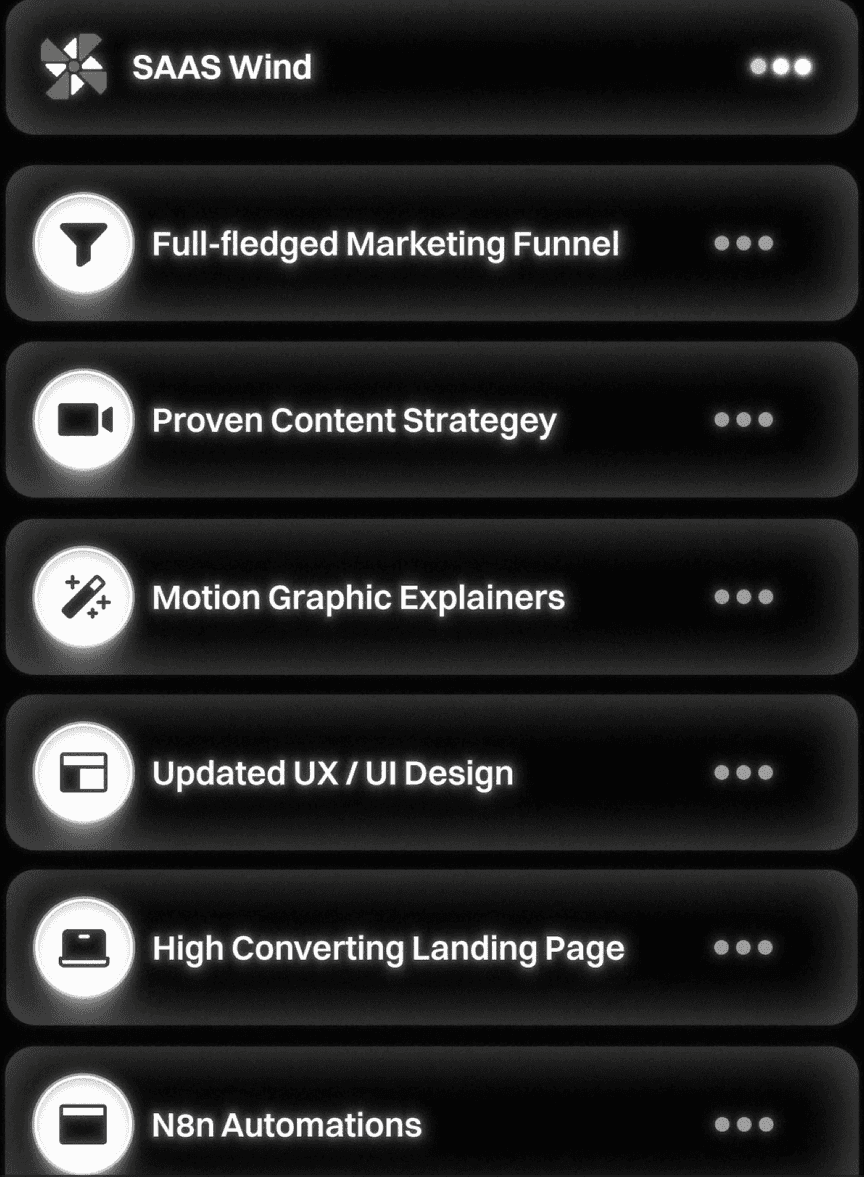
Deep Glow 2: Used for premium highlights on key words and glass icons.
Directional Blur: Adds directional energy during text transitions.
Motion Tile: Extends background shapes for seamless movement.
Posterize Time: Occasionally applied to background elements to subtly stylize motion.
Noise & Tint: Used for texture control and color consistency.
Typography:
Switzer – Medium
Chosen for clarity, modern feel, and strong legibility at fast motion speeds.
Assets include:
Framer-exported UI images and icons
Glass-style message and profile elements
Minimal stock footage is used only where motion continuity is needed
Workflow Notes
The small number of comps keeps iteration fast, but requires clean layer naming and tight timing discipline.
Text layers are animated directly in the main comp to maintain precise control over pacing.
Background motion loops independently, so text timing changes don’t require reworking the entire scene.
Glow intensity is carefully capped to avoid bloom overpowering the text.
This project shows how restraint and control matter more than complex setups in short-form work.
Learning Takeaways for New Editors
Text-led SaaS videos depend on timing and hierarchy, not visuals alone.
Fewer effects demand higher precision—every keyframe matters.
Glow should guide attention, not become the focal point.
Simple comp structures still require strong discipline to stay readable.
Short runtimes amplify mistakes in pacing and easing.
Conclusion
The SaasWind Web explainer demonstrates how a minimal, kinetic approach can still feel premium when motion, glow, and typography are handled with care. For new editors, this project reinforces the importance of clarity, timing, and restraint, especially in short SaaS animations where every second counts.