Live Videos Footage Sourcing SOP
Source live/stock videos quicker
Stock Video Commercial, Footage Sourcing SOP
Our Stock-Footage Approach
For commercial and brand videos, we primarily work with stock footage, unless the client provides custom assets.
Because stock footage is the foundation of these projects, footage sourcing becomes one of the most critical creative steps. The quality, tone, and cohesion of the final video depend far more on what footage is selected than on how it is edited later.
This SOP outlines our standard workflow for sourcing high-quality, usable stock clips efficiently and creatively.
Platforms We Use & How We Use Them
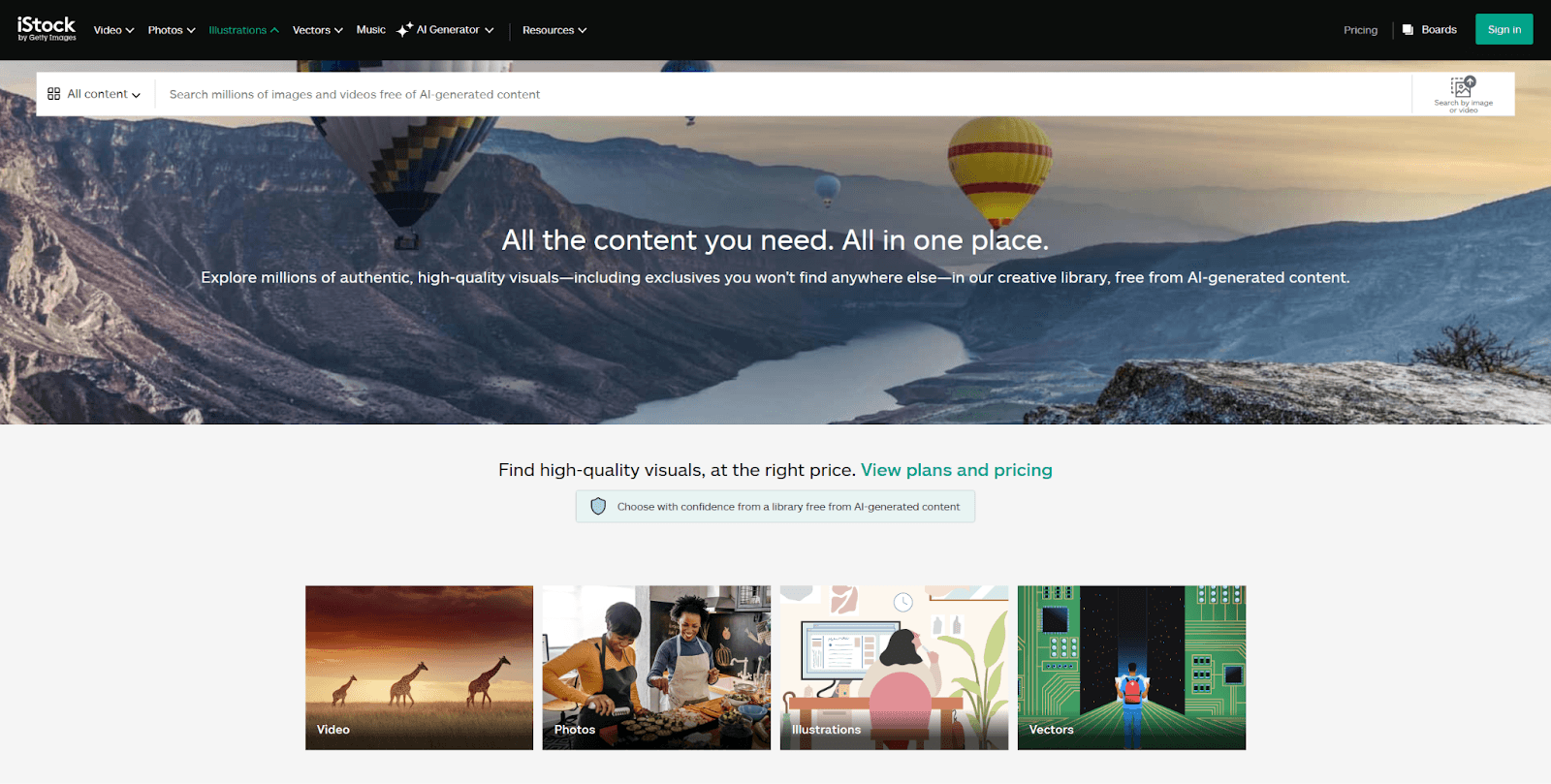
iStock (Browsing & Discovery Only)
We do not hold an iStock license
iStock is used purely for:
Browsing
Discovering high-quality commercial footage
Identifying relevant clips via preview and metadata
Once a suitable clip is found, we copy the iStock clip code.
Vimeo (Primary Download Source)
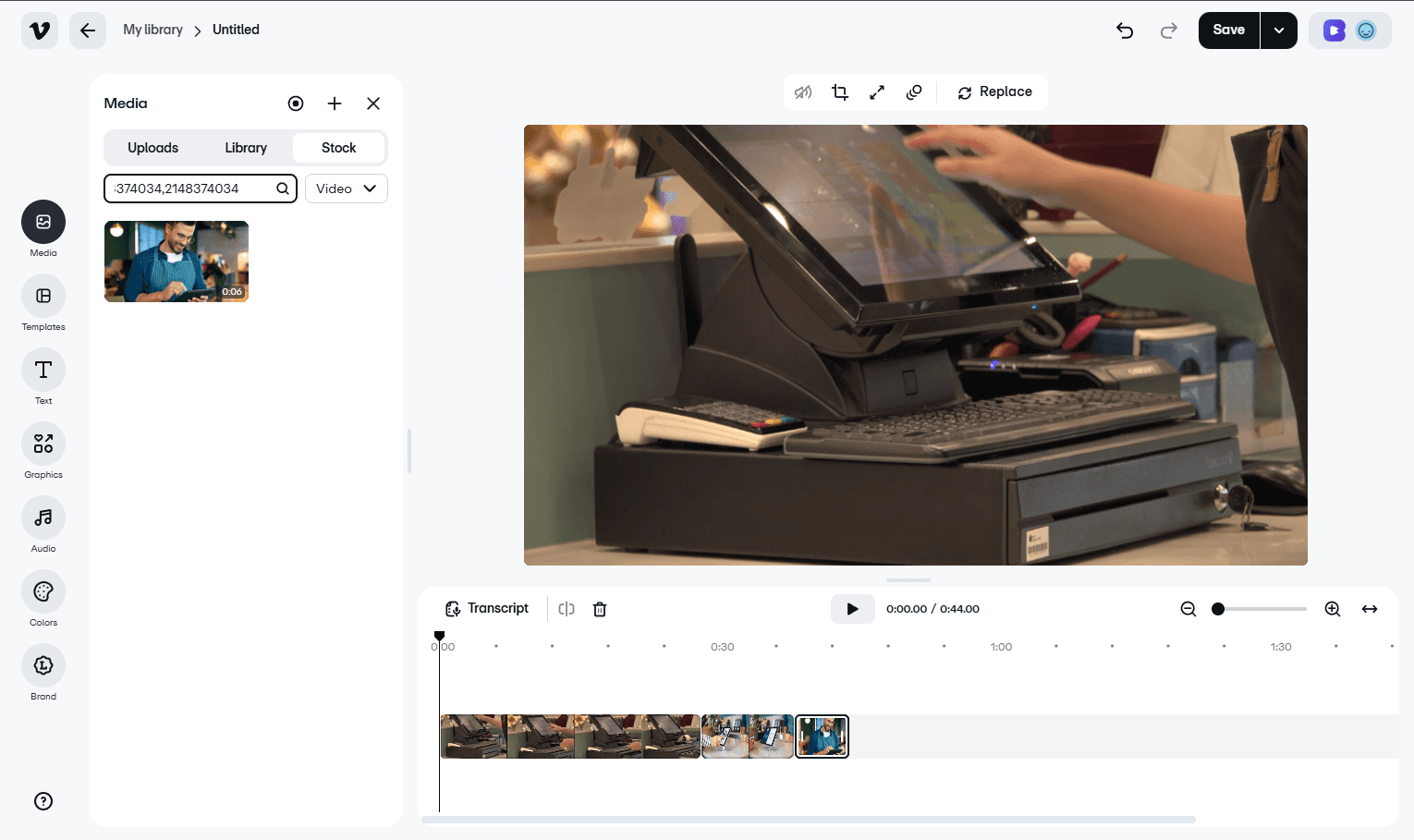
Vimeo is used to download most stock footage discovered on iStock.
Standard Method:
Copy the iStock clip code
Paste it into the Vimeo search
Access and download the clip
Download in chunks if required
Cut and refine clips later inside the editing software
Vimeo Access Trick (Important)
Sometimes, pasting the clip code once does not surface the footage. In those cases:
Paste the same clip code twice, separated by a comma
Example:
1691168649,1691168649
This method consistently unlocks access to the full iStock footage library on Vimeo.
Artlist (Direct Download)
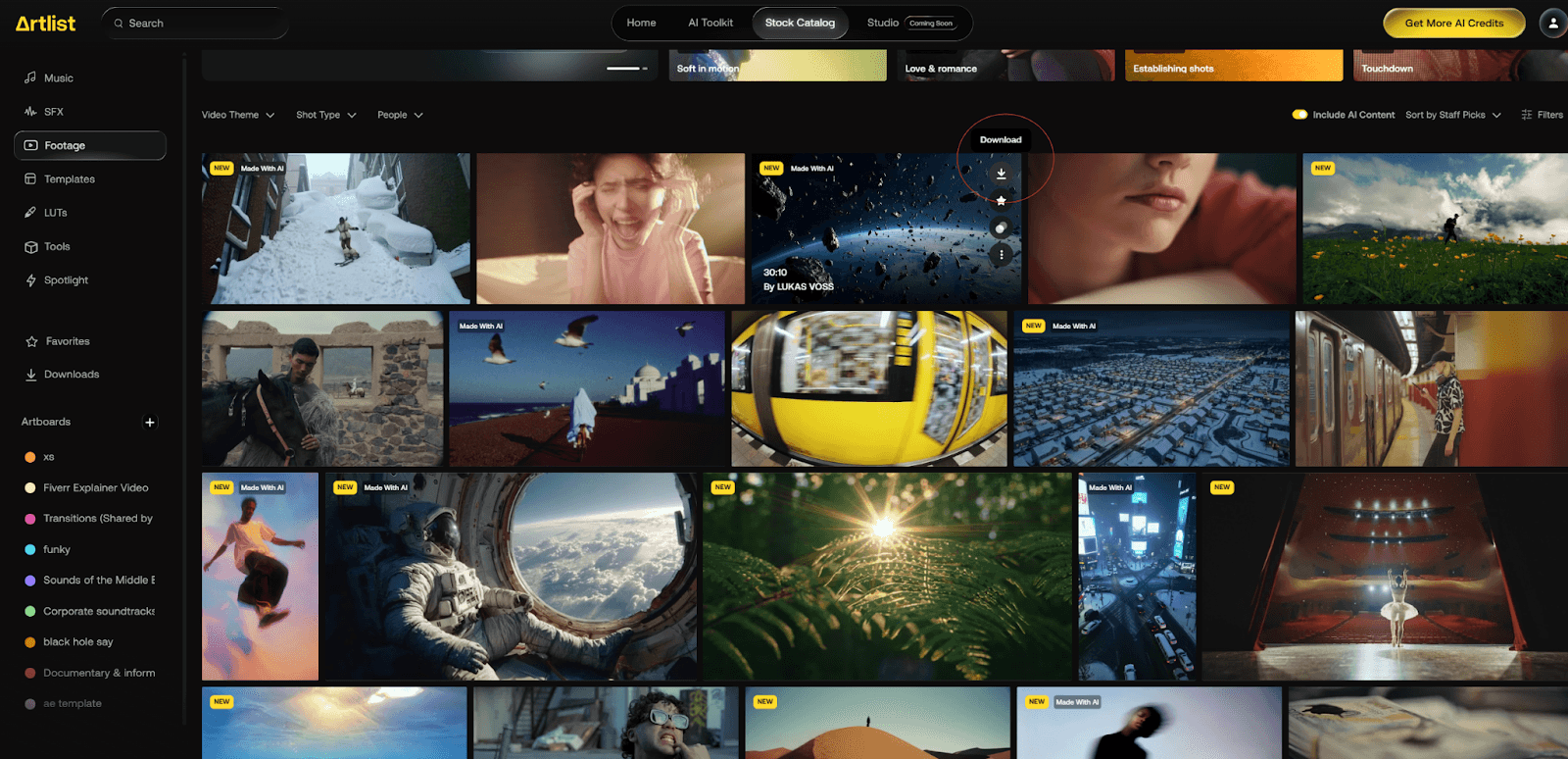
We have direct access to Artlist
Footage from Artlist is downloaded directly from the platform.
Pre-Search Creative Alignment
Before searching for footage, we review the script and project overview to align on:
Video type (commercial, brand film, montage, etc.)
Tone (cinematic, emotional, energetic, calm, premium)
Pacing (slow, medium, fast)
Overall visual direction
We mentally visualize the edit before searching. This prevents random clip selection and ensures footage serves the story, not the other way around.
Start Broad, Then Narrow (Search Method)
When searching stock libraries, always begin broadly and refine gradually.
Step 1: Start with broad keywords
Focus on general concepts, emotions, or actions
Avoid locking into specific shots too early
Step 2: Narrow based on visual qualities
Refine results using:
Camera movement (static, handheld, tracking, slow motion)
Framing (wide, medium, close-up)
Lighting (natural, cinematic, high contrast, soft)
Subject emotion (focused, calm, confident, energetic)
Avoid over-specific searches at the beginning.
Over-filtering early often removes strong footage that could work creatively in the edit.
This approach keeps the search flexible and allows better creative judgment during selection.
Keyword Strategy (Core Workflow)
A. Script → Keywords (Baseline Method)
A fast and effective approach:
Paste the script into ChatGPT
Ask for keywords per line or per scene
Use those keywords as a starting point for searches
This helps generate relevant visuals quickly, especially for abstract or emotional lines.
B. Think in Concepts, Not Literal Visuals
Stock footage rarely matches scripts literally.
Instead of searching for exact actions, search for:
Emotions (confidence, calm, tension, curiosity)
States (focus, growth, transition, momentum)
Ideas (progress, connection, freedom, scale)
Example:
Script: “We help teams move faster.”
Search: “fast-paced workflow”, “focused team working”, “motion blur city.”
C. Expand Keywords by Film Language
Add filmmaking-related modifiers:
“slow motion”
“close-up”
“handheld”
“tracking shot”
“shallow depth of field”
“natural light”
These often surface higher-quality clips.
D. Environment-Based Keywords
When literal visuals are unavailable:
Use environment or atmosphere
Let visuals imply meaning
Examples:
Movement → roads, trains, people walking
Growth → sunrise, plants, city timelapse
Focus → close-ups, isolated subjects, quiet spaces
E. Our Creative Theory (Important)
When working with stock footage:
Visuals do not need to make literal sense every time.
Because stock is a limitation:
Shots do not have to match exactly
Continuity does not need to be perfect
Meaning can come from pacing, mood, and flow
If the visual:
Feels right
Matches the rhythm
Supports the emotional beat
…it works.
This is a filmmaking judgment call, and we trust creative instinct here.
Selecting Footage, Creative Guidelines
A. Match Color Tone With Mood & Story
Choose footage that aligns with the project’s emotional tone and color palette.
Because stock clips come from different sources, exposure, lighting, and color can vary. Prioritize shots that:
Feel visually consistent together
Can be graded smoothly as a set
Example logic:
Lifestyle → warm tones, natural light, soft contrast
Tech / SaaS → cooler tones, controlled lighting, clean environments
Major production houses plan color palettes; we apply the same thinking during footage selection to achieve a cohesive, cinematic result.
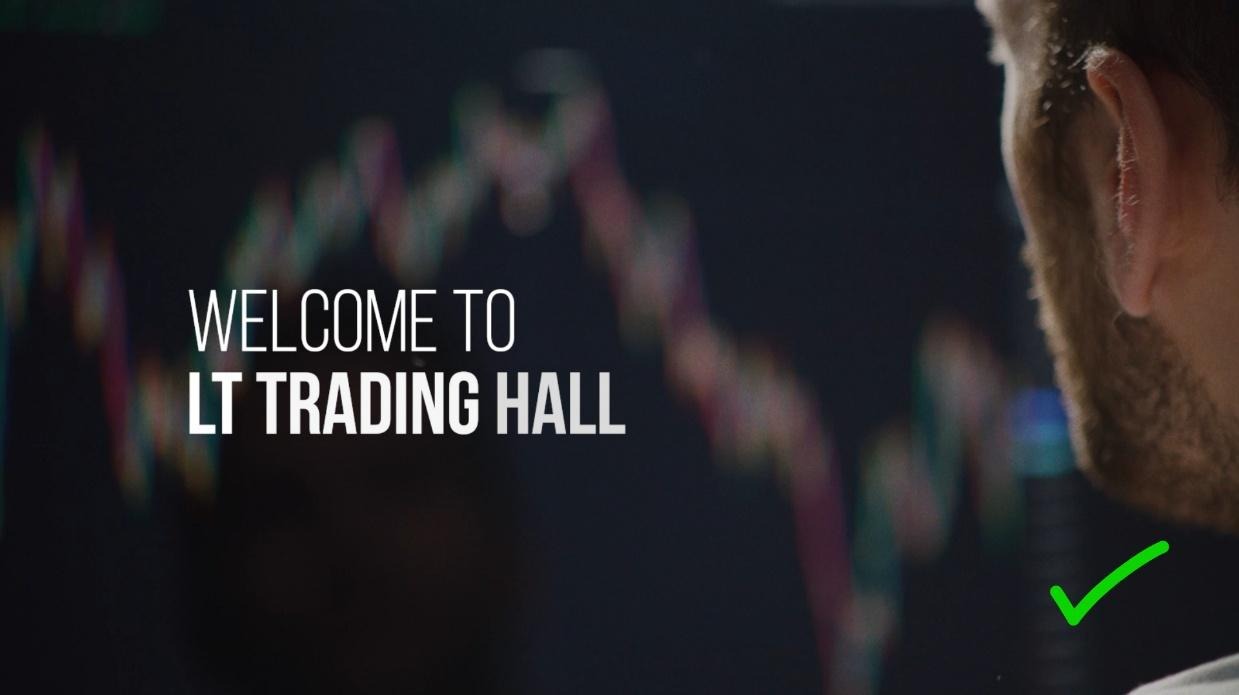
B. Pick Clips With Negative Space (When Text Is Required)
If the video includes:
Text
Headlines
Product callouts
Logos
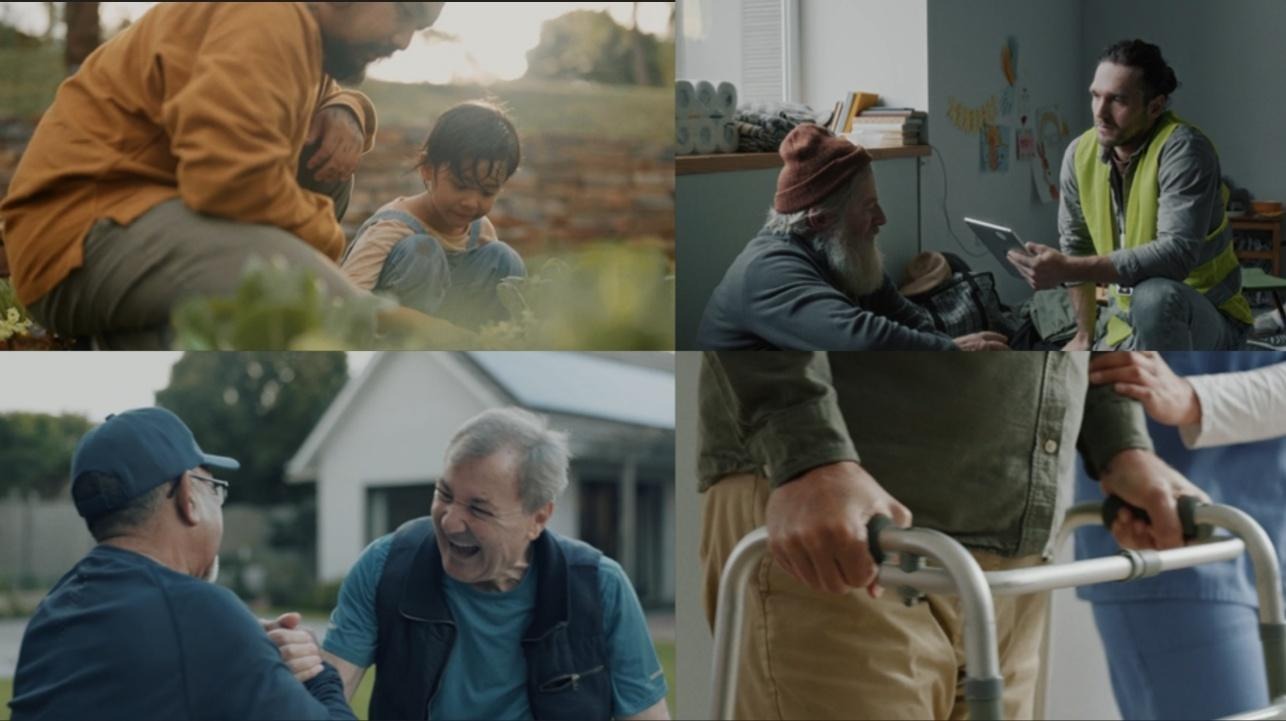
Select shots that naturally include negative space (empty or calm areas within the frame). This ensures text placement feels intentional rather than forced.

C. Mix Wide, Medium & Close Shots
Use a balanced combination of:
Wide shots (context)
Medium shots (action)
Close-ups (emotion/detail)
This creates visual rhythm and prevents the video from feeling flat or repetitive.
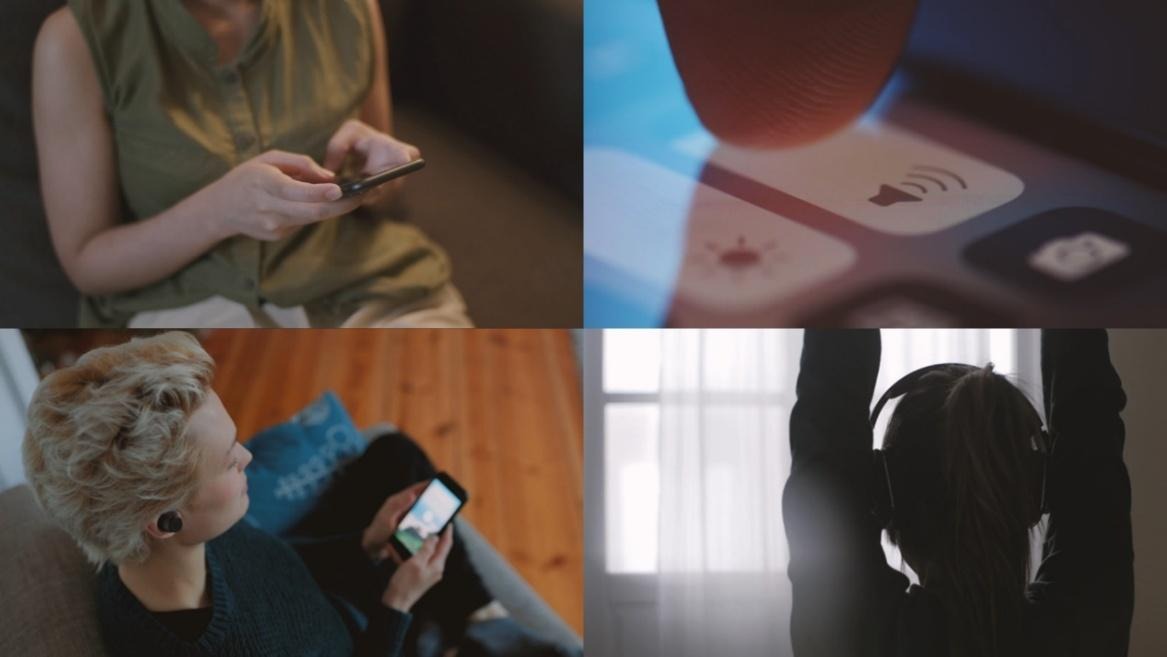
D. Avoid Staged, Overused, or Fake-Looking Footage
Avoid:
Overly posed acting
Cliché business visuals
Stock clips that feel “too perfect” or artificial
Many agencies use the same trending clips. Our goal is to stand out by choosing footage that feels:
Expressive
Realistic
Emotionally grounded
If options are limited, rely on color correction and pacing to maintain cohesion.

Conclusion
Stock footage is not a limitation; it is a creative tool when used intentionally.
A strong stock-based commercial is built on:
Clear visual direction
Disciplined footage selection
Thoughtful pacing and flow
When the sourcing process is done right, the edit becomes faster, cleaner, and more impactful. The goal is not to find perfect or literal visuals, but to assemble footage that feels cohesive, emotionally aligned, and purposeful.
This workflow exists to create consistency across projects while still allowing creative judgment where it matters. Follow the process, trust your instincts, and focus on how the visuals support the story as a whole.