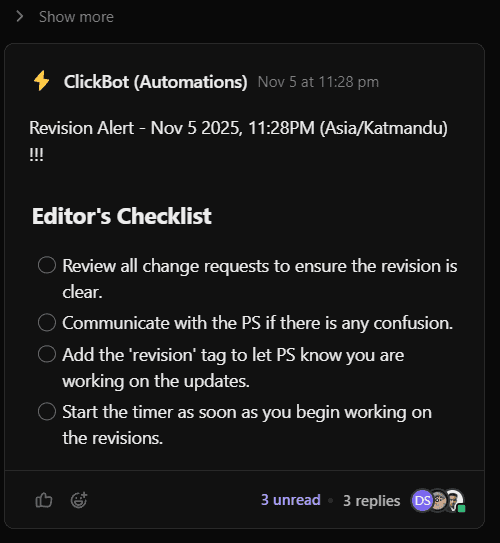
1. Create a Project
Stay on Folder or and Month List
Click "Add Task" button on the top right corner or press "T" if shortcut is enabled
Fill The following Fields
Mandatory - Copy Paste From Fiverr Order
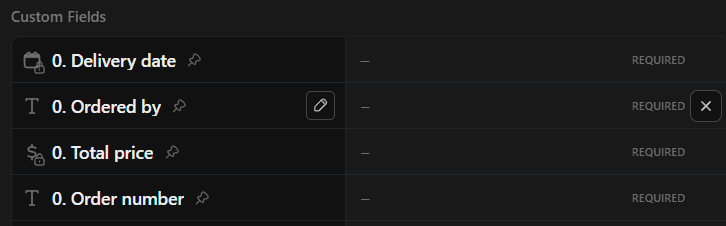
Mandatory - Update Project Link

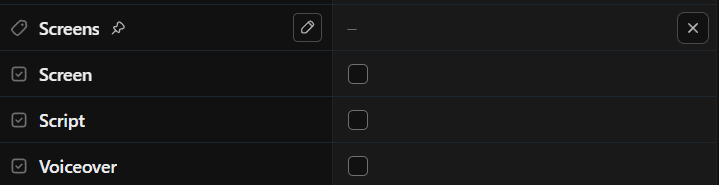
Mandatory - Update Available Assets and Project Level

Optional - Checkmark the fields if they are finalized
2. Handling Projects in Each Status
2.1 Status: Active
2.2.1. If clients need to send additional information or resources that block the production flow.
Change the status to PENDING

2.2 Status: PENDING
If clients have sent the additional information or resources and the production blocker has been resolved...
Change the status to ACTIVE

2.3 Status: IN PROGRESS
When the script is ready and has been sent for client review, add the 'client review' tags.

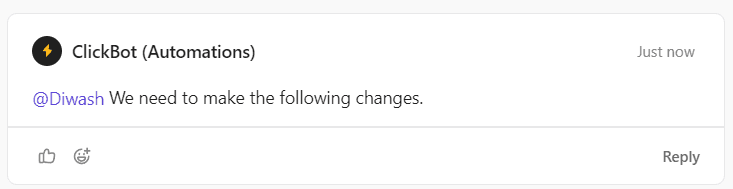
If client send the major revision (need to resend for client review), remove the client review tag and reply the feedback in a thread of the ClickBot comment. Else share the feedback on the "Script has been sent to client review" thread
If script has been approved, check the Script field.

2.2 Status: READY TO DELIVER
Once the project is delivered, update the status from "READY TO DELIVER" to "DELIVERED"
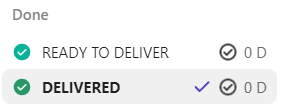
2.3 Status: DELIVERED
If clients approve the project; Complete the project by clicking checkmark.

If clients request the revision, Change the status to "REVISION REQUESTED"
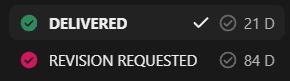
2.4 Status: REVISION REQUESTED
If client hasn't sent any feedback or asked us to wait for the feedback; Do nothing
If client has shared the feedback, Drop the Feedback as it is in a thread, and remove the tags 'client review'